How to Check Website Health, Security Headers and Basic SEO for Free
 By Julius Ahianu, Julius Agency · Published October 26, 2026 · 8 min read
A website can be online and still have avoidable issues: a missing page title, confusing redirects, an expired TLS certificate, unclear security-header coverage or a sitemap search engines cannot discover. A basic scan helps you decide what to investigate before small problems become bigger maintenance tasks.
Julius Agency SiteCheck is a free first-pass checker for one public URL at a time. It reviews the page response, HTTPS/TLS, selected security headers, compression, robots.txt and sitemap discovery, and common page-level SEO signals. It then groups findings by priority and explains them in plain language.
Important: SiteCheck does not give every website a fabricated quality score. Findings are generated from the URL you submit. The interface captures below are rendered from the current SiteCheck HTML/CSS and show the form before a scan runs; the sample address is illustrative.
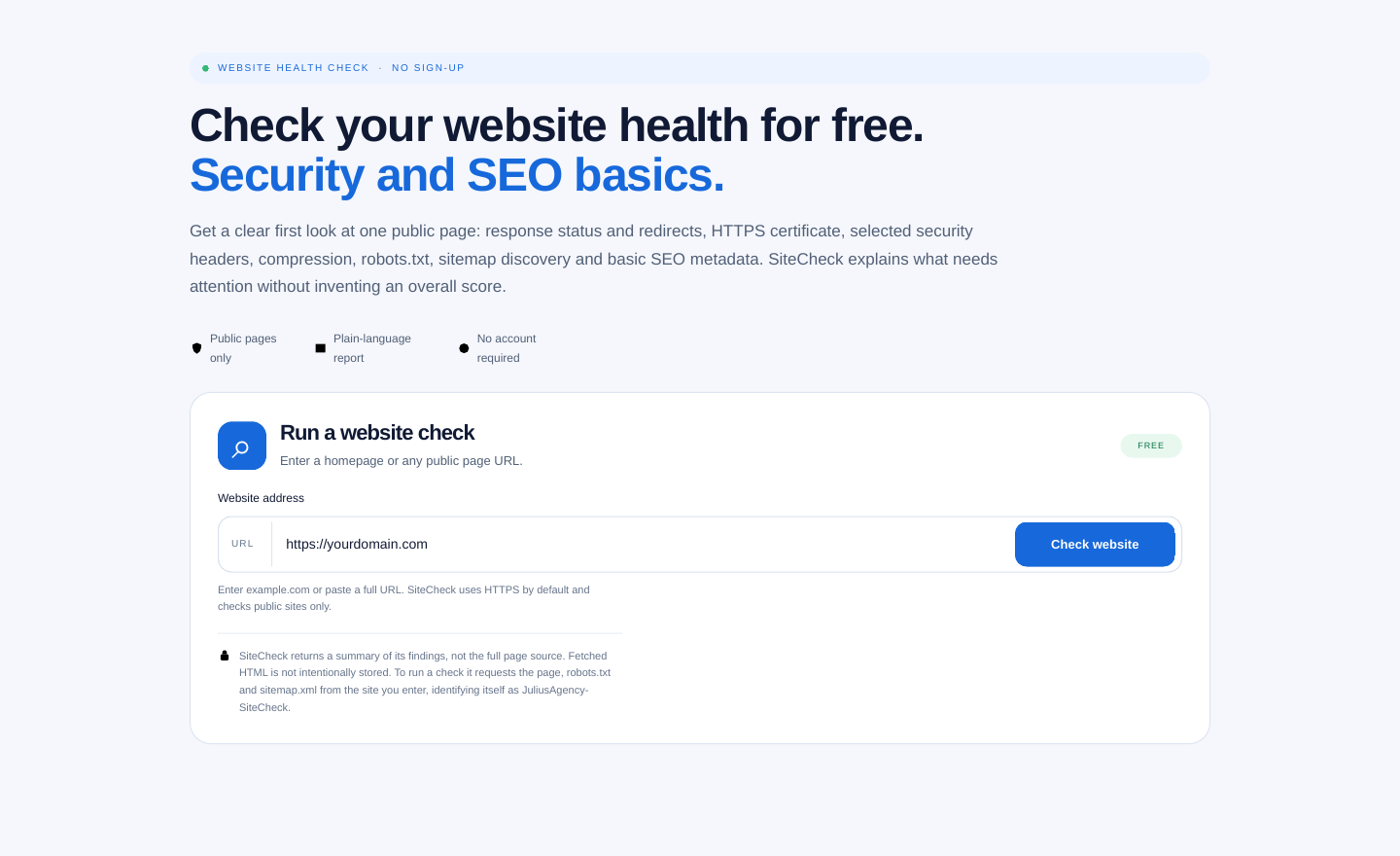
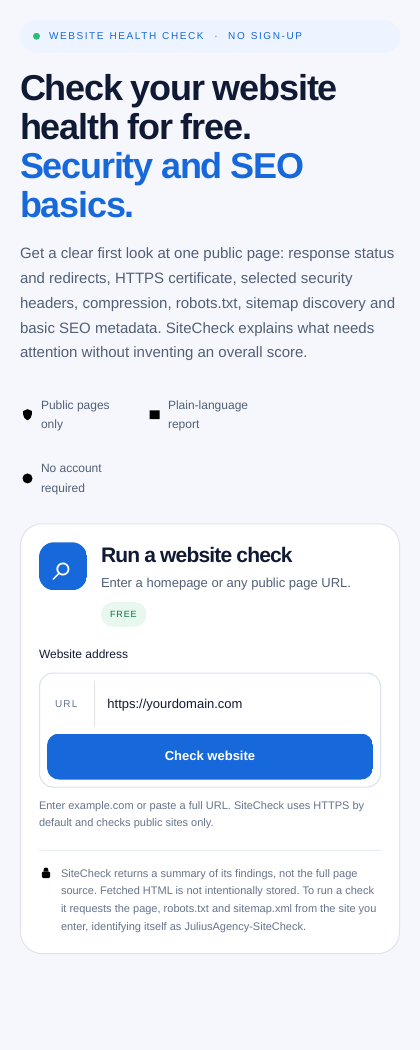
1. Run a free website check
- Choose the exact public page. Start with the homepage, then scan an important service, product or contact page separately if needed. SiteCheck checks one URL, not every page on the domain.
- Enter the URL without secrets. Use a normal public HTTP or HTTPS address. Never include passwords, private admin links, session IDs or secret tokens in a URL.
- Run the check and wait for the report. The scanner follows redirects safely, inspects the final response, and checks the page's basic metadata and discovery files where available.
- Read the priority findings first. Verify any warning before changing your server or SEO setup. If a result seems inconsistent with what you know, rerun the test and check the relevant URL or response headers directly.
SiteCheck is free to use for these basic diagnostics and does not require an account. It is intended as a useful first check for small-business owners, WordPress site owners and developers, not a replacement for a full technical audit.
2. What SiteCheck checks
- Availability and redirect path: the HTTP status, final URL, redirect count and timing of the final request.
- HTTPS and TLS: whether a TLS connection is accepted, certificate expiry and common trust or hostname problems.
- Selected response headers: HSTS, Content-Security-Policy, X-Content-Type-Options, Referrer-Policy, Permissions-Policy and framing protection where supplied.
- Basic SEO metadata: title, meta description, canonical link, viewport, language, H1, Open Graph title and whether JSON-LD blocks parse as JSON.
- Crawl discovery: robots.txt, sitemap declarations and known sitemap locations.
- Compression: the response's Content-Encoding and the request's observed transfer timing/size where available.
These are signals from a basic public-page request. SiteCheck does not crawl an entire domain, render every JavaScript-driven page, test every plugin, scan for every vulnerability, measure real-user Core Web Vitals or determine Google rankings.
What a real SiteCheck report includes
SiteCheck creates the values below from the URL you actually submit. The report does not use a fixed example score, and the number of findings changes by website.
| Report area | What it contains |
|---|---|
| URL and response | Requested URL, final URL, HTTP status, redirect trail and timing for the final request. |
| HTTPS / TLS | Certificate acceptance, expiry date and days remaining, plus common trust or hostname problems when detected. |
| Priority findings | Specific observations grouped as needs attention, informational, or positive checks, with explanations and suggestions. |
| Page and crawl basics | Title, description, canonical, viewport, language, H1, Open Graph title, JSON-LD syntax and robots/sitemap discovery. |
| Response headers | The selected security headers detected on the inspected response. |
| Takeaway | A copyable summary and a downloadable JSON representation of that scan's report. |
For a genuine result, run the scan on your own public URL. If a key result seems surprising, verify it with a direct request or a specialist tool before making production changes.
3. Read the findings before the metrics
The report is organised into three practical groups:
- Needs attention: a finding the scanner believes is worth checking first. Examples include an HTTP error, a certificate problem or a missing important page element.
- Informational: a configuration observation. It may be useful, optional, or dependent on your hosting and site requirements. For example, not all missing security headers have the same risk on every site.
- Positive checks: a specific check passed. It does not mean the entire website is secure, fast, accessible or ranking well.
There is deliberately no single score that pretends to summarise every aspect of a website. A green TLS result cannot cancel out a missing page title, and a missing optional header does not automatically mean that the site has been hacked. Look at each observation in context.
4. What common findings really mean
"Page title is missing"
The inspected HTML response did not expose a usable HTML <title> element to the scanner. Add a concise, page-specific title that accurately describes the content. Google may use several sources when generating search result title links, including the page's title element and prominent headings, so a title is an important signal, but it does not guarantee a particular ranking.
"Meta description is missing"
A description meta tag was not detected in the inspected page. A useful, unique summary can help searchers understand the page. Google may use the meta description for a snippet when it describes the page better than text taken from the page itself, but Google can also generate a different snippet for a query.
"A security header was not found"
Read the exact header named in the finding. HSTS tells browsers to use HTTPS for future visits after a secure response. Content-Security-Policy can help restrict what a page is allowed to load, while frame protections can limit embedding. These need a policy suited to the site; do not blindly paste a strict policy that breaks scripts, payments or other required features.
"The certificate is valid"
This means the check accepted the certificate for that connection at that time. Review the expiry date and issuer information. A public TLS handshake cannot reliably prove that the hosting account has automatic renewal configured, so ask your hosting provider or check its control panel if renewal status matters.
"HTTP 206 Partial Content"
HTTP 206 normally means the client requested a byte range and the server returned only part of the resource. If a scanner receives 206 unexpectedly, inspect the request headers before treating it as a website fault. SiteCheck's updated scanner avoids sending a Range header for its normal page check, reducing this particular source of confusion.
Further reading: Google's title-link guidance, Google's snippet documentation, and MDN's HSTS reference.
5. Understand robots.txt and sitemaps
robots.txt is normally available at the root of a website and gives crawlers rules about which paths they may request. It can also declare a sitemap location. A sitemap lists canonical URLs a site owner wants search engines to discover. Google explains that a sitemap can support discovery, but submitting one does not guarantee that its URLs will be crawled or indexed.
A "sitemap not found" result means this scan did not confirm a sitemap at the locations and declarations it checked. It is not proof that no sitemap exists anywhere. Check the site's robots.txt, the sitemap URL you normally use, and Google Search Console before changing a working SEO setup. SiteCheck also cannot guarantee that every sitemap index, custom path or hosting-specific response will be recognised.
If the website is deliberately small and its important pages are linked clearly, Google notes that a sitemap may be less essential. Keep the sitemap valid and aligned with the preferred canonical URLs when you do use one.
Official guidance: Google's sitemap overview and how to build and submit a sitemap.
6. Understand compression and response time
When a server compresses HTML, its response may include Content-Encoding: br for Brotli or Content-Encoding: gzip for gzip. Check the response header and the encoding the client offered. A missing compression signal can be worth investigating, but the finding should come from a normal page request, not a request that accidentally asks for only part of the content.
SiteCheck's response-time value measures its request to the server, not the time for a browser to load and render the whole page. It does not include the same user experience measurements as PageSpeed Insights. To inspect a page's lab performance and Core Web Vitals, run Google PageSpeed Insights separately.
Technical reference: MDN on Content-Encoding and MDN on HTTP 206 Partial Content.
7. Know the limits of a basic scan
An automated scanner sees what its request is permitted to see. Some hosts block bots, return a consent page, serve different HTML to automated requests, or require JavaScript before content appears. If a scan is blocked or incomplete, that is an inconclusive result, not proof that your site is broken.
Likewise, a valid HTTPS certificate is not a penetration test, the presence of a header does not prove that it is configured correctly, and a syntactically valid JSON-LD block is not proof that structured data meets every search feature's eligibility guidelines. Use the findings as prompts for targeted verification.
8. What to do next
- Fix confirmed, high-impact issues first: availability errors, expired or mismatched certificates, important redirect mistakes, and missing titles on key pages.
- Verify crawl and sitemap findings directly before editing files or server rules.
- Test changes again after they are deployed, and use a browser or dedicated tool for the parts that SiteCheck does not measure.
- Record what you changed and why, especially for security headers and redirects. Take a backup before changing production configuration.
Ready to check your own site? Run a free SiteCheck scan. The tool generates findings for the URL you enter instead of showing a canned score.
Frequently asked questions
Is SiteCheck really free?
Yes. The basic public-page checks are free and do not require an account. Results are subject to rate limits and what the target host allows the scanner to inspect.
Does SiteCheck scan my whole website?
No. It checks one public URL and performs related robots.txt and sitemap discovery checks. Scan important pages separately if you want to compare their signals.
Will SiteCheck tell me my Google ranking?
No. It reports technical observations and basic metadata. It does not measure ranking positions, keyword demand, or real-user Core Web Vitals.
Should I fix every missing security header?
Not blindly. Read each recommendation in context, choose a policy suitable for your website, and test it carefully before applying changes to production.
Found a WordPress, WooCommerce, security or speed issue you want help understanding? Share the report and the page you checked.